What your client sees
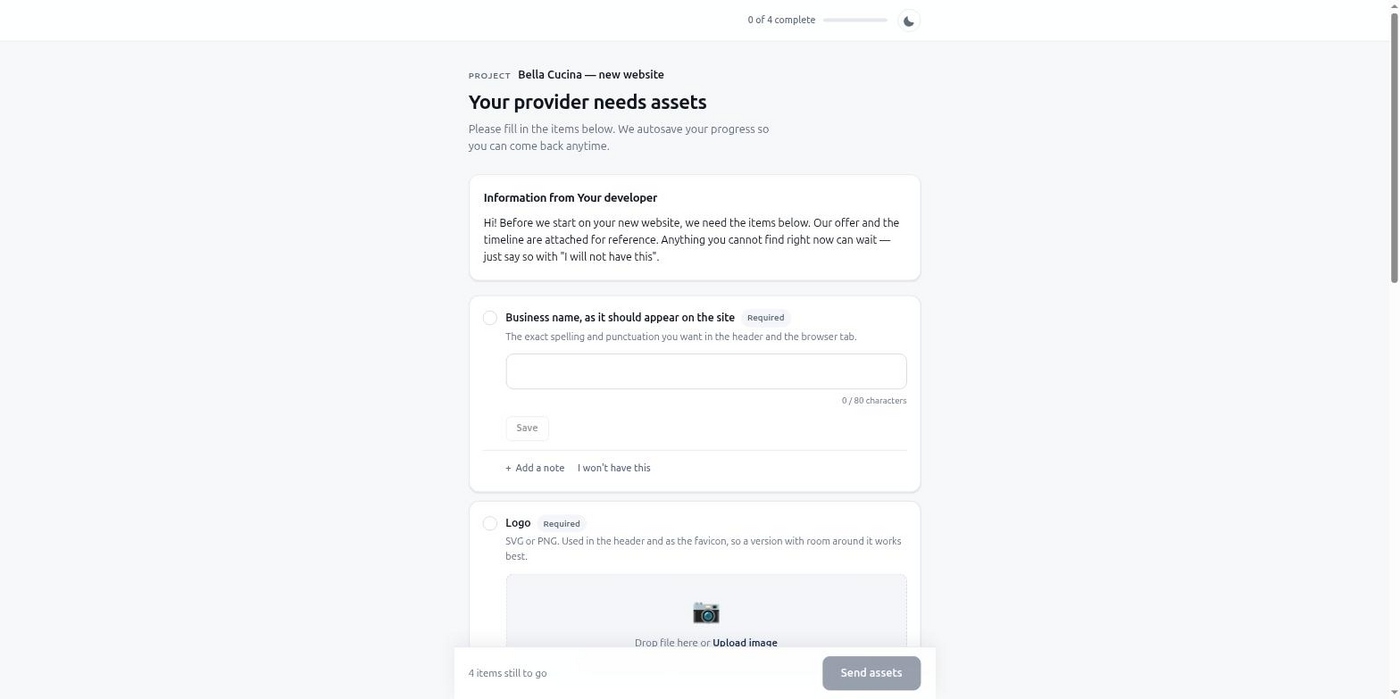
The design is done, the build is ready, and the site is still full of "lorem ipsum" because nobody has the actual copy. Here's how to get it in one pass instead of a dozen scattered emails.
Copy is the slowest-arriving asset on almost every website project. Files and logins tend to exist already, sitting in someone's folder. Words about the business usually don't — they have to be written, and the client is the only one who can write them.
So they arrive in fragments. The about-us paragraph shows up on Monday. The team bios trickle in over two weeks, one person at a time, because the client is forwarding your request to five other people. The FAQ answers never come at all until you ask a third time. Opening hours get sent as a photo of a handwritten note taped to the shop door.
Each fragment lands at a different time, in a different format — an email body, a Google Doc link, a screenshot of a WhatsApp message. You end up keeping your own tracking sheet just to know what's left and who you're still waiting on.
structured item with a schema, so you get an object with named fields back, not a paragraph to parse.A coding agent building the site can create the intake directly. Here about_text and faq_answers are longtext items with a character ceiling, opening_hours is structured so the schedule comes back as data, and legal_business_name is a short text field for the footer:
{
  "project_name": "Bella Cucina — Website Copy",
  "client": {
    "name": "Marco Esposito",
    "email": "[email protected]"
  },
  "items": [
    {
      "key": "about_text",
      "type": "longtext",
      "label": "About us page text",
      "help": "Two or three paragraphs on the restaurant's story and what makes it different.",
      "required": true,
      "constraints": { "max_chars": 2000 }
    },
    {
      "key": "team_bios",
      "type": "longtext",
      "label": "Team bios",
      "help": "One short paragraph per person you want on the Team page.",
      "required": false
    },
    {
      "key": "faq_answers",
      "type": "longtext",
      "label": "FAQ answers",
      "help": "Answer each question from the list we sent, in your own words.",
      "required": true
    },
    {
      "key": "opening_hours",
      "type": "structured",
      "label": "Opening hours",
      "required": true,
      "schema": {
        "type": "object",
        "required": ["mon_fri", "sat", "sun"],
        "properties": {
          "mon_fri": { "type": "string", "example": "12:00-22:00" },
          "sat": { "type": "string", "example": "12:00-23:00" },
          "sun": { "type": "string", "example": "Closed" }
        }
      }
    },
    {
      "key": "legal_business_name",
      "type": "text",
      "label": "Registered legal business name",
      "required": true
    }
  ],
  "chase_schedule": "default"
}
get_intake_results hands the finished copy straight back as values keyed by item — about_text and faq_answers as plain strings, opening_hours as an object matching the schema. Nothing needs cleaning up before it goes into the build.
You stop maintaining a side tracking sheet for who sent what. Each page's copy has a home, a status, and one place the client goes to finish it. The gaps that used to need a manual follow-up get chased automatically, in the client's own language. When the intake is complete, the copy is already typed data — you paste it into the build instead of extracting it from a screenshot first.
Start free, no card required, and send your next copy request as one link instead of an email thread.
Free tier, no card required.